
Off by default
Literally: until you pick a provider, no language model exists in the app — generation can’t be triggered even by accident.
Writing a book can scatter the work across five places: the draft in Word, characters in phone notes, chapter order in a spreadsheet, research in browser bookmarks — and the connections between them in your head. Writer Studio gathers it all into one project: scenes, characters, locations and plotlines, next to the prose, on your own disk.
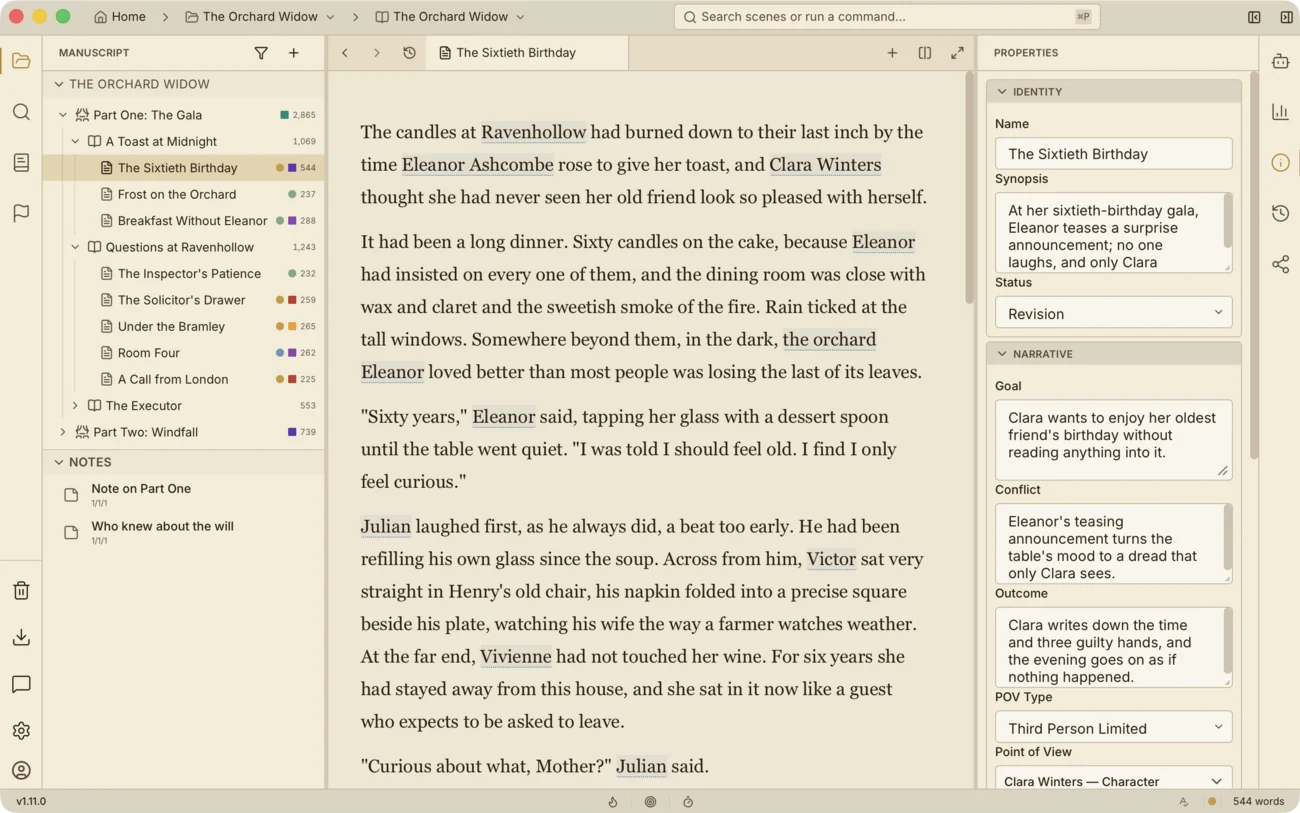
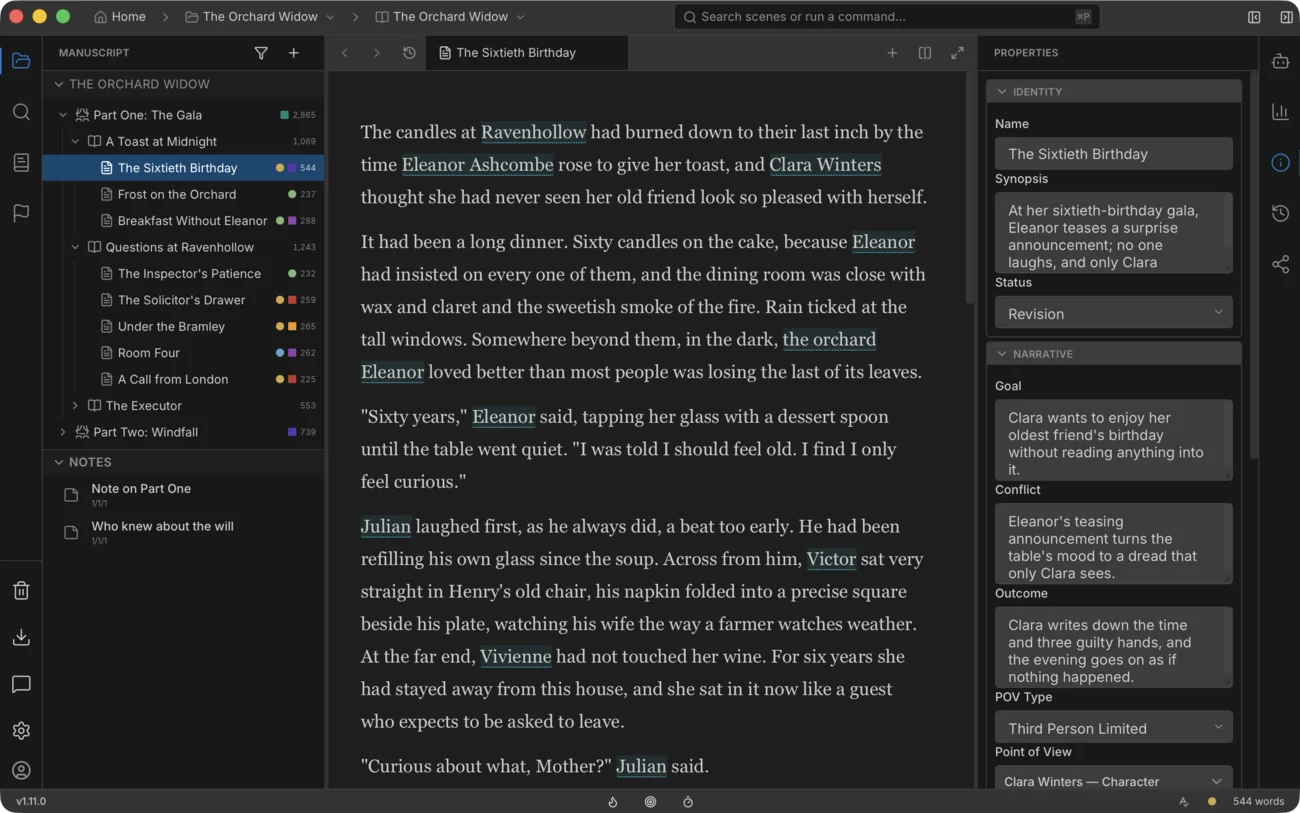
With cloud-first writing tools, your manuscript sits on a company’s servers and you rent access to it. Here it’s the opposite. A scene is an ordinary text file — Markdown with a short header — and the metadata lives in JSON next to it. Nothing is encrypted, compressed or proprietary: open the project folder in any editor and read the manuscript right there. If you ever leave, the manuscript leaves with you. The database inside the project is a rebuildable search index — delete it, and the app rebuilds it from your files.
Version history works per scene: compare two versions, bring an old one back. Restoring is reversible — the current text is saved as a version first. Deleted things sit in the trash and come back in one action.
A backup is a copy of the project folder: made manually or on an hourly schedule, with the last ten kept. And keep one more copy off this computer — no app cancels the 3-2-1 rule.
All three are good tools, so this table is honest in both directions: first what they’re missing when you’re writing a book, then where they’re still ahead of us.
| Capability | Writer Studio | Scrivener | Obsidian | Word |
|---|---|---|---|---|
| Built around a manuscript: scenes, chapters, parts, drag to reorder | Yes | Yes | — plugins and DIY | — |
| Story wiki linked to the manuscript: characters, locations, appearances by scene | Yes | Partly character sheets, no appearance index | Partly notes and links, assembled by hand | — |
| Manuscript stored as plain Markdown files | Yes | Own format | Yes | — |
| Core features free | Yes | Paid license | Yes | Subscription |
| Mobile apps and sync between devices | — desktop only for now | iOS app | Yes | Yes |
| Collaboration: editor’s comments and tracked changes | — via DOCX export for now | Partly | — | Yes |
| Plugin ecosystem | — | — | Yes, thousands | Yes |
| Maturity: years of development, proven stability | Alpha | 20+ years | Yes | Yes |
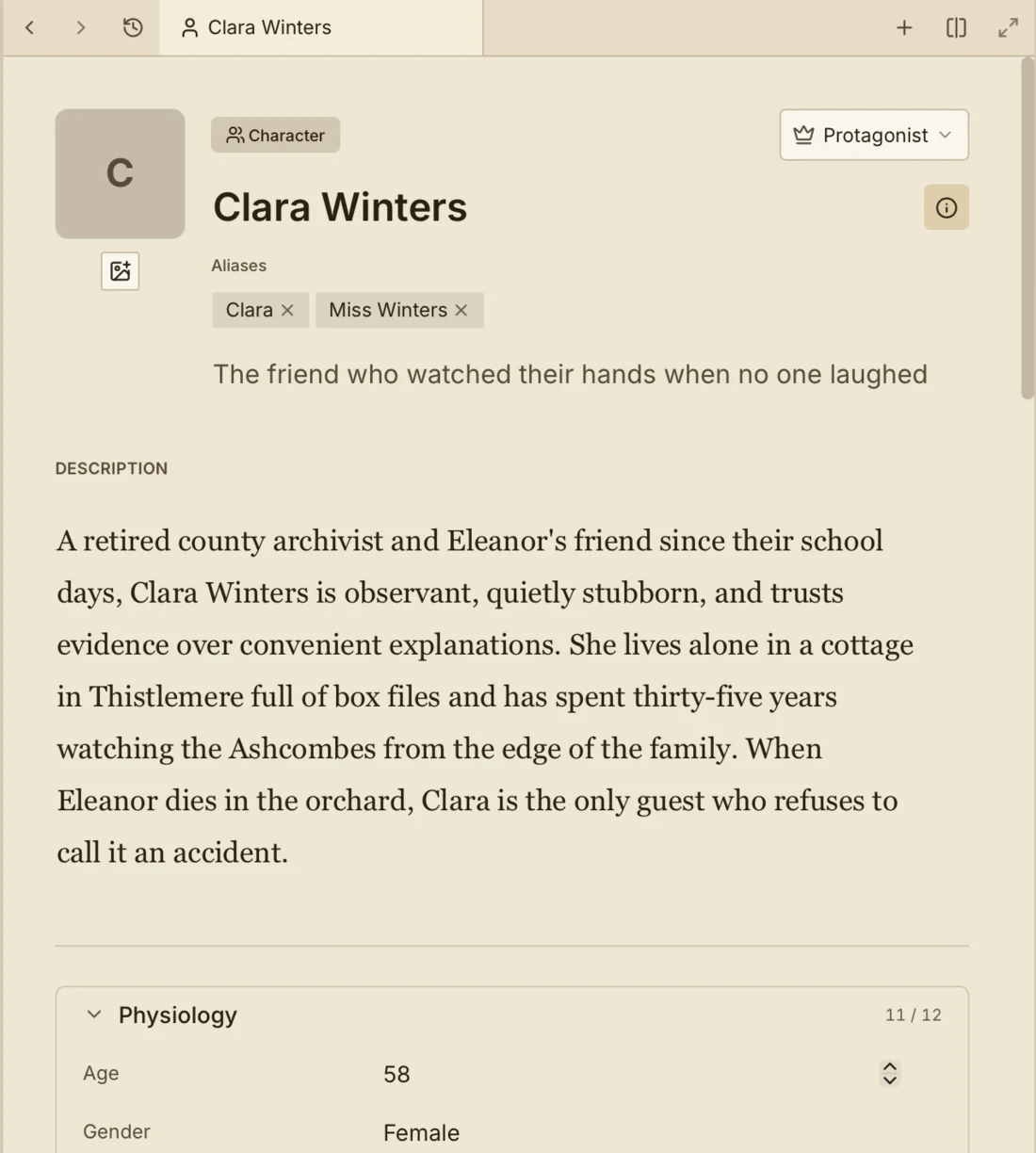
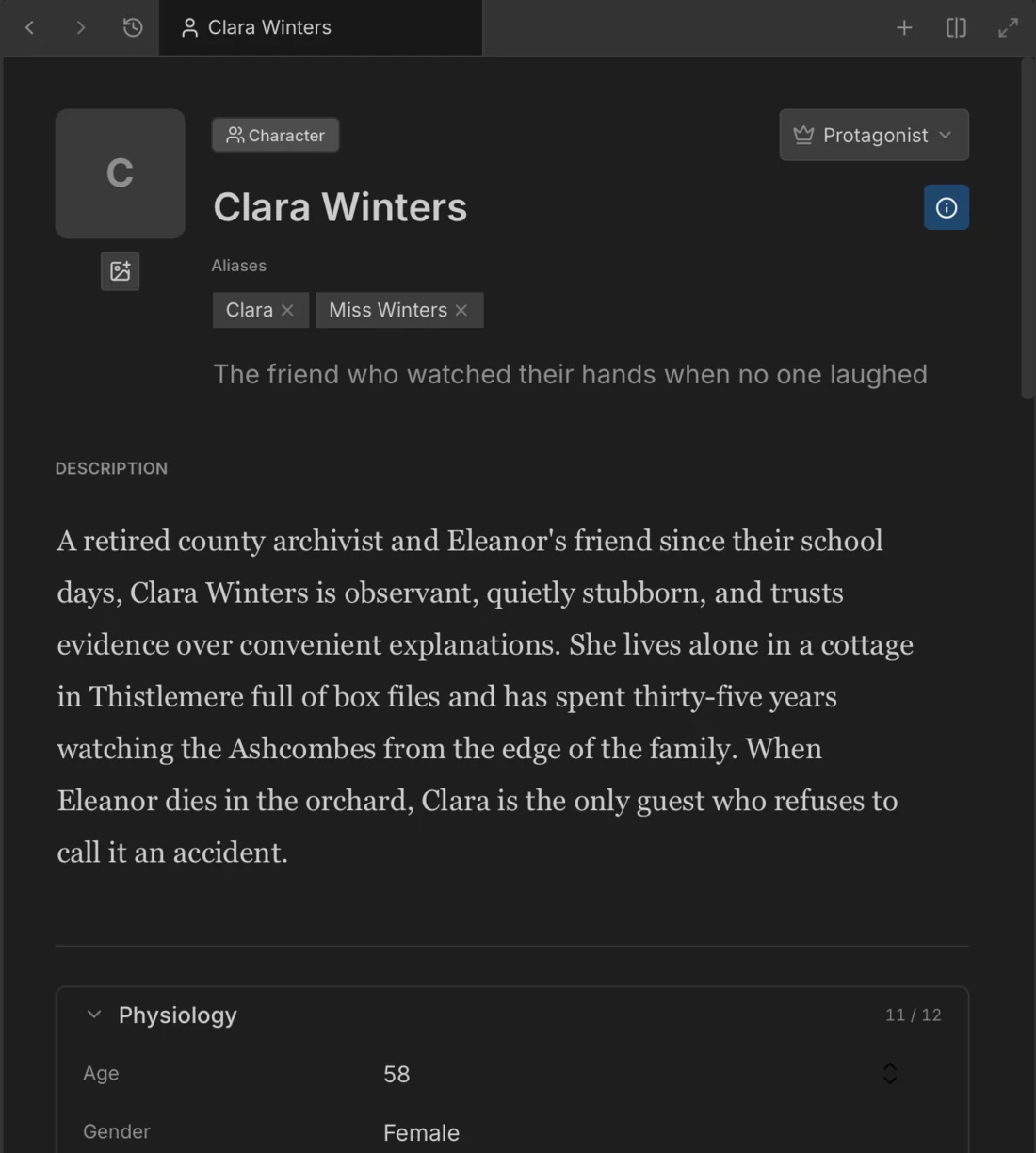
A manuscript outgrows its author’s memory long before it’s finished: which palm carries the scar, which town the brother stayed in. The Book Wiki keeps that next to the text — cards for characters and locations, the links between them, and appearances by scene: who takes part, whose eyes we see through, where it happens.
A card lists every scene of a character in manuscript order — from first appearance to last, one click to jump. Your own card types — artifacts, factions, spells — are equal to the built-in ones: the same search, the same links, the same issue anchoring.
The wiki lives inside one book. A shared series bible doesn’t exist yet — it’s planned.
The unit of text here is the scene. Chapters and parts are optional: a strict skeleton or a flat list of scenes, your call. Drag a scene to a new place and that’s it — no rebuild, no manual renumbering. One project holds as many books as you need.
The Corkboard shows a chapter as cards: synopses, statuses, drag to rearrange — it’s the same structure of the book, not a separate board you have to keep in sync.
Momentum lives here too: a daily word goal, timed sprints, a streak of writing days. The streak counts across every project — switching to a new book doesn’t reset it.
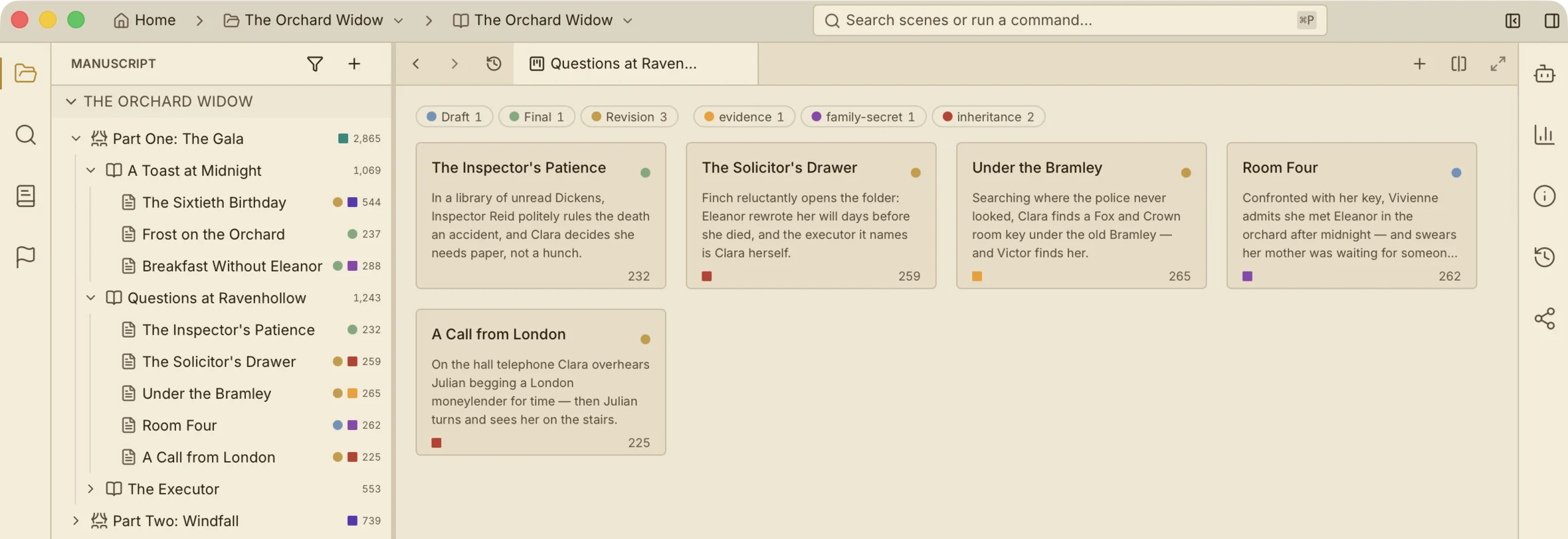
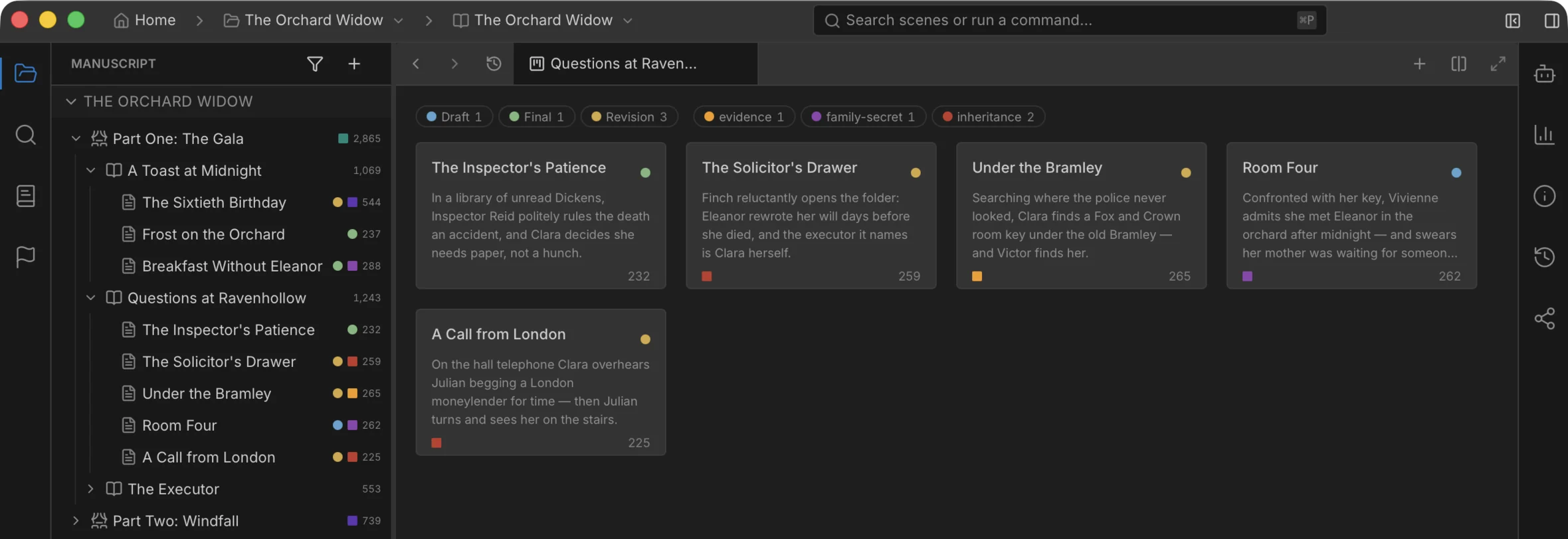
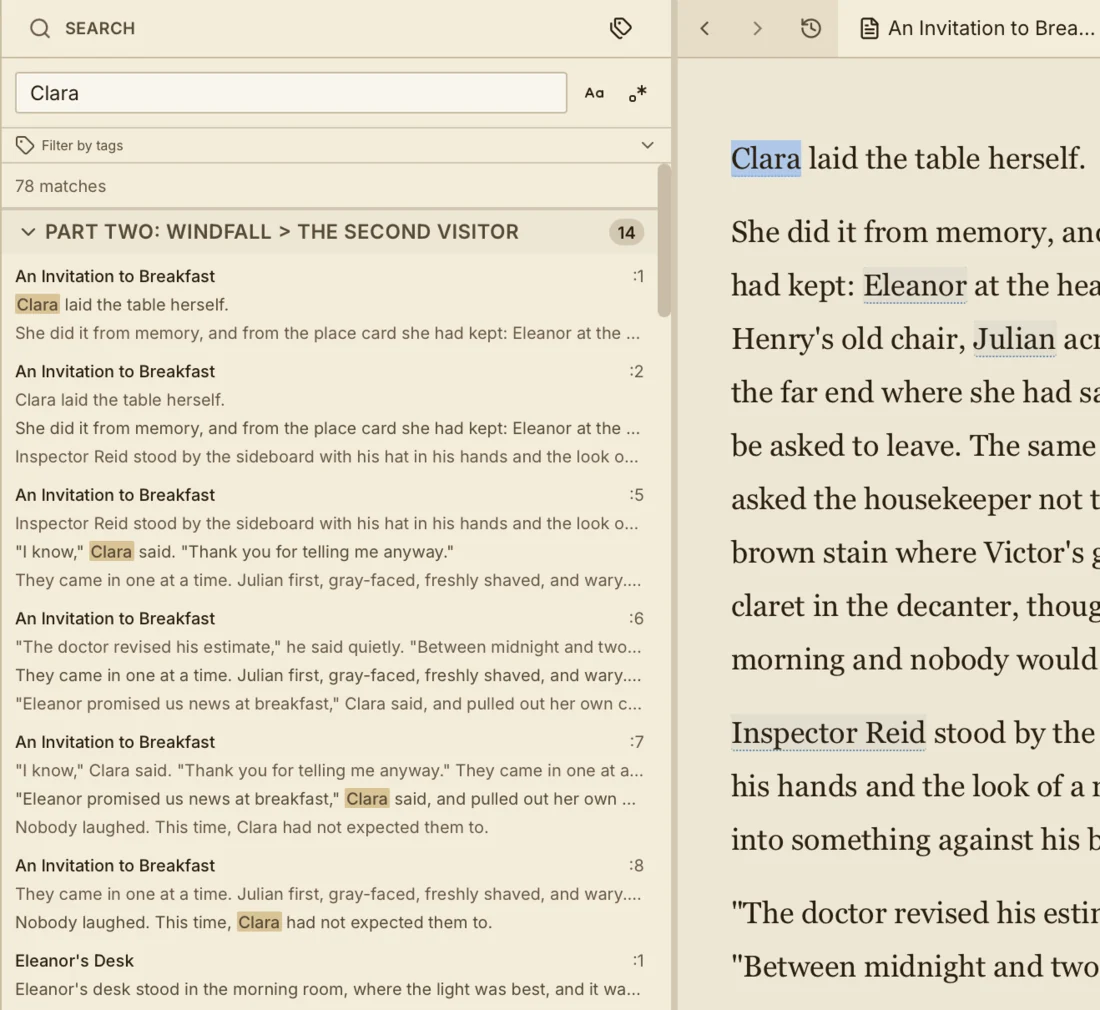
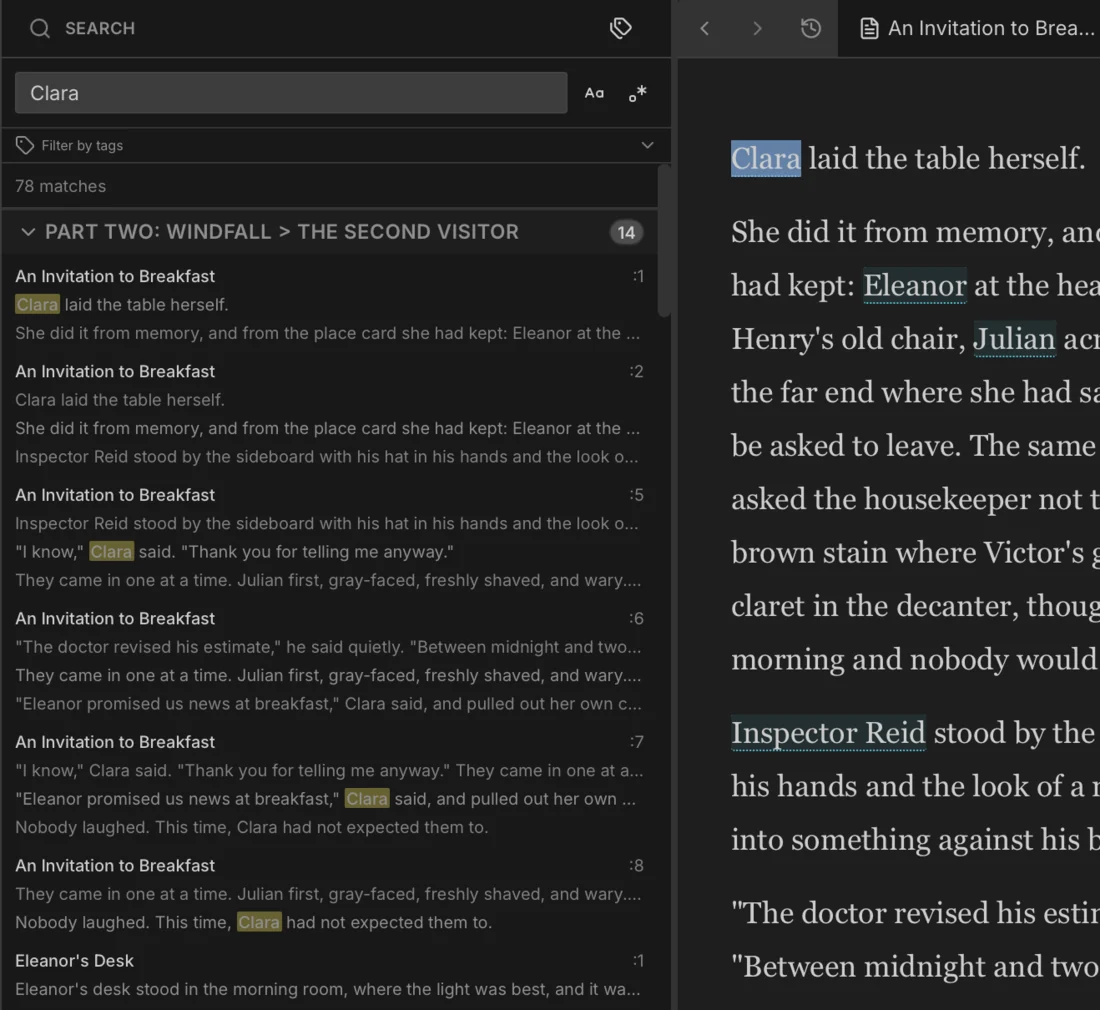
There is no automatic plot checker in Writer Studio — and we won’t pretend there is one. What you get are tools that turn an evening of rereading into a few minutes of checking:
The app makes the sweep fast. The judgment stays yours.
Everyone promises their AI won’t write your book for you. Here that’s not a promise — it’s how the app is built:
Literally: until you pick a provider, no language model exists in the app — generation can’t be triggered even by accident.
No edit touches your text without your explicit approval. Suggestions sit in a separate pile until you accept them.
The AI has no ability you don’t have. The rule is checked on every build — a build with an AI-only tool simply fails.
Stored in the system keychain. We don’t pick a provider for you: Anthropic, OpenAI, DeepSeek, Ollama — fully local, no key at all — or any compatible endpoint. Or use our key — Authr AI — if you would rather not get one.
The book can be written with no AI at all — it’s an addition, not the foundation. Spellcheck, by the way, runs without it and without a network: the rules and dictionaries live locally, and your text is never sent anywhere.
Writing and finishing a book on your own computer is free, always.
You do not need a subscription to write. If it lapses, the manuscript, the local backups and the version history stay yours.
A distraction-free writing app with one focus mode, typewriter scrolling, comfort themes, and Russian typography built in — free, offline, complete without AI.
Import a Word document into Writer Studio and get real chapters and scenes automatically, with a full preview before anything is created — no manual splitting.
An offline grammar checker for writers: spelling, grammar, punctuation, style, and typography for Russian and English, with AI off and no account needed.
Research notes for fiction authors: keep worldbuilding, cut fragments, and character reference images beside your manuscript — free, local, in Writer Studio.
Share your manuscript with beta readers through a private, revocable link — collect inline comments, reactions, and real reading analytics.
14 story structure templates — three-act, Save the Cat, Hero's Journey, Snowflake, Mystery, and LitRPG/isekai shapes — pre-build editable chapters and scenes.
Set a daily word count goal, track pace and an author streak across projects, and see weekly progress — free and offline, with no nagging to hit it.
Writer Studio is a writing app with version history: autosave, restorable Trash, per-scene diffs, and backups — one mechanism per kind of loss.
Writer Studio is in alpha: it’s evolving quickly. Keep a backup copy of your manuscript outside the app as well.